Kindle workflow guide
Send to Kindle works better when your ebook library is organized first
Bookerei is not Amazon Send to Kindle. It is the desktop place to organize EPUB and PDF files before you decide what belongs on a Kindle device or app.
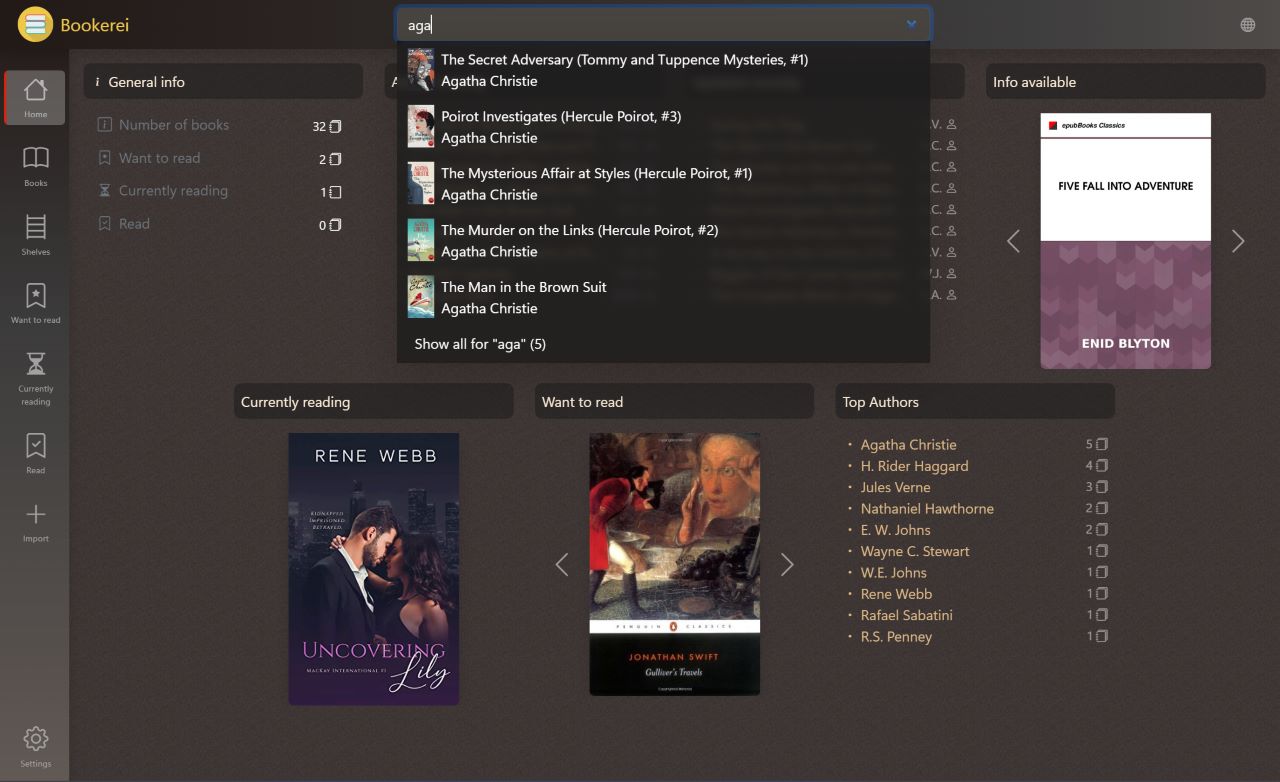
Use Bookerei to search, shelve, annotate, and clean up your library on Windows or macOS, then use Amazon's own Kindle tools for delivery.
Practical workflow
A cleaner way to manage books before sending them to Kindle
Send to Kindle is useful when you already know which file you want on your device. Bookerei helps with the earlier problem: keeping a desktop ebook collection organized enough that you can find the right book in the first place.
Collect EPUB and PDF files
Use Bookerei as the home base for desktop reading files instead of leaving books scattered across downloads and folders.
Review book details
Clean up titles, authors, covers, descriptions, series, and tags so the library is easier to scan and search.
Find what belongs on Kindle
Search and browse shelves to decide which books you want to send, instead of guessing from filenames.
Use Amazon's Kindle tools
When you are ready to move a file to Kindle, use Amazon Send to Kindle or another Kindle-supported delivery method.
Clear expectations
Bookerei is for library management, not Kindle account delivery
If your only goal is to upload a single file to a Kindle device, Amazon's own Send to Kindle tools are the direct route. Bookerei is useful when you want a desktop library around those files: shelves, metadata, search, notes, highlights, covers, and reading progress.
- Use Bookerei to read and organize EPUB and PDF files locally
- Use shelves and search to decide what is worth sending
- Use Amazon's tools for the actual Kindle transfer step
How Bookerei fits around Amazon Send to Kindle
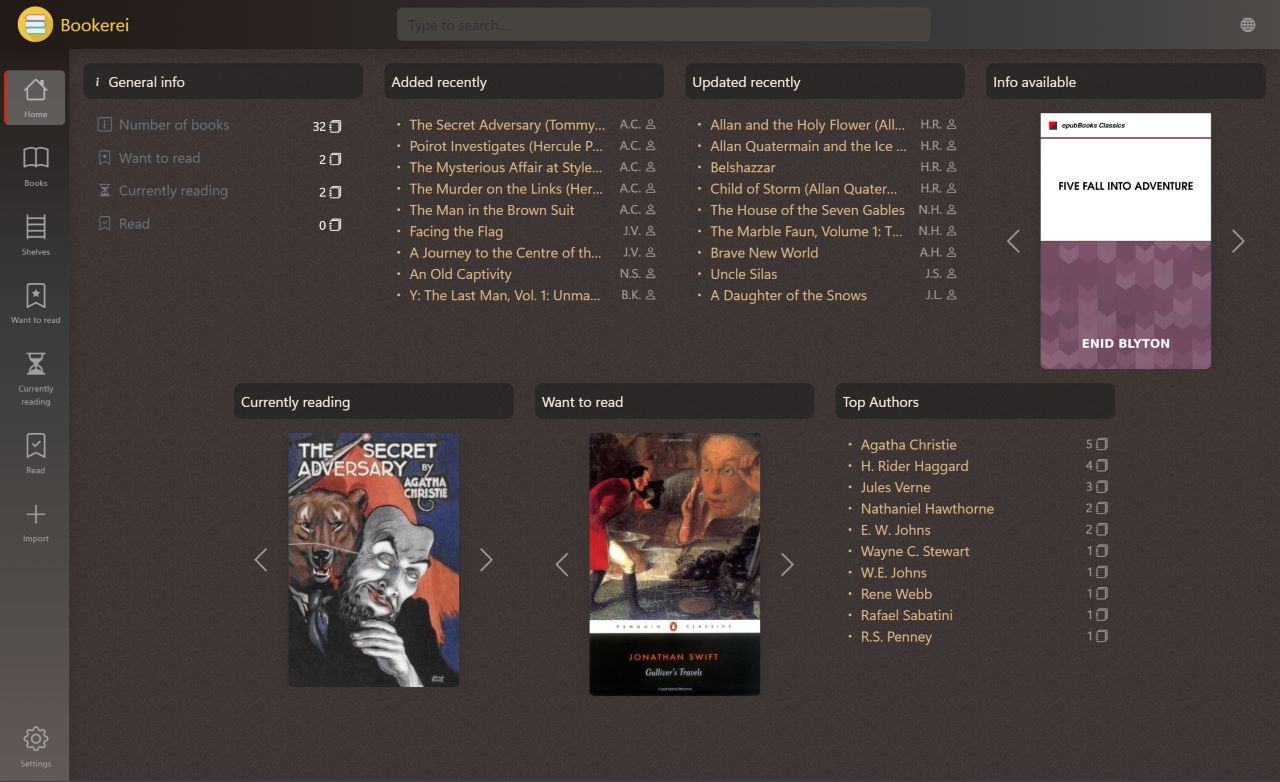
Amazon Send to Kindle is a delivery workflow. Bookerei is an ebook organization workflow. They solve different parts of the reading setup: Bookerei helps you manage, search, annotate, and browse your EPUB and PDF files on desktop; Kindle tools help place selected books on Kindle devices and apps.
This matters if you collect public-domain books, PDFs, research material, or personal EPUB files. A clean library makes it easier to choose what to send, what to keep for desktop reading, and what needs better metadata or cover art before it becomes part of your long-term collection.
Questions readers ask
Send to Kindle and Bookerei FAQ
Can Bookerei send books directly to Kindle?
Bookerei is not Amazon Send to Kindle and does not replace Amazon's Kindle delivery tools. Use Bookerei to organize EPUB and PDF files on Windows or macOS, then use Amazon's Send to Kindle options when you want selected files on a Kindle device or app.
Why use Bookerei before Send to Kindle?
Bookerei helps you clean up a desktop ebook collection first: organize shelves, review metadata, edit covers, search the library, and decide which EPUB or PDF files are worth sending to Kindle.
Does Bookerei support EPUB and PDF files?
Yes. Bookerei supports EPUB and PDF files for desktop reading and library management.