Import EPUB and PDF books
Add reading files to one personal library and keep both formats together instead of splitting books across folders.
Free ebook management software
Bookerei turns scattered EPUB and PDF files into a library you can browse, search, annotate, and keep tidy.
Use shelves, covers, metadata, notes, highlights, and reading progress in a local library folder you control. No Bookerei account or Bookerei cloud is required.
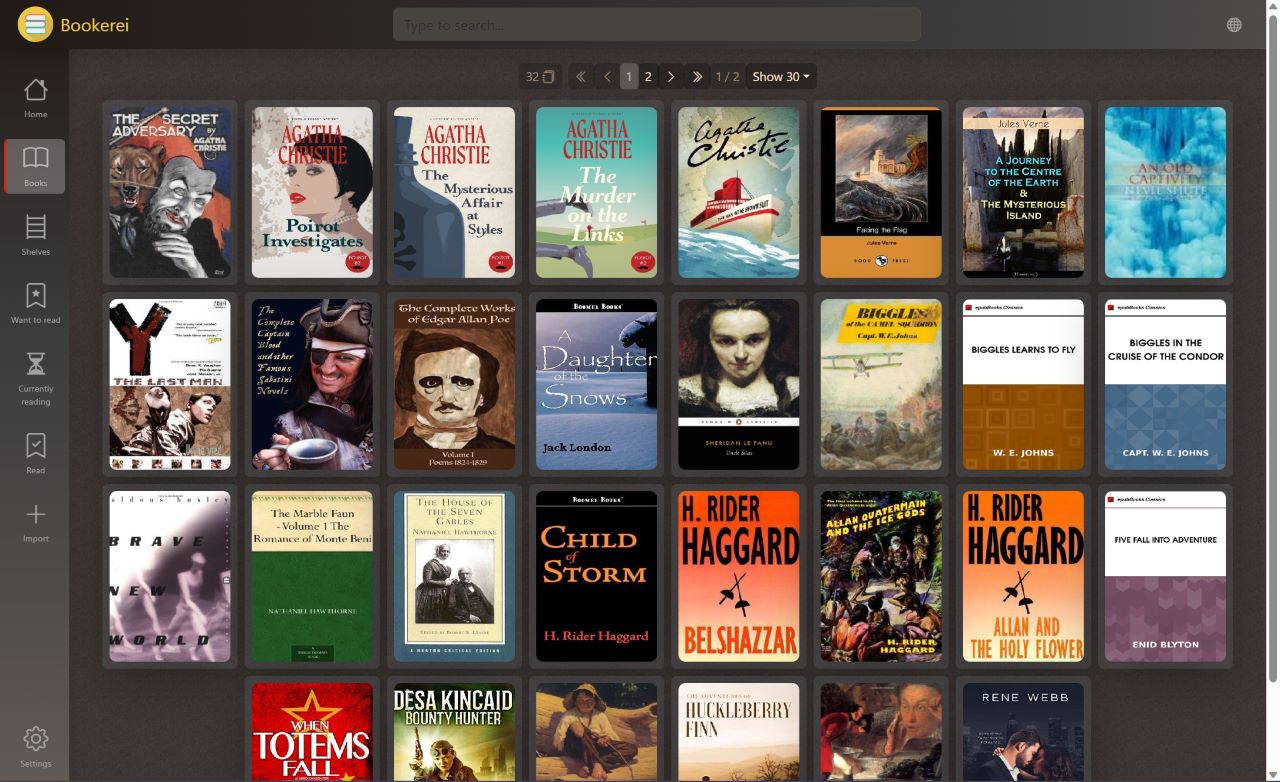
Library workflow
Bookerei is built for the middle ground between a basic file viewer and a heavyweight catalog system: enough structure to keep a growing collection useful, without turning reading into database maintenance.
Add reading files to one personal library and keep both formats together instead of splitting books across folders.
Fetch book information from the web, review matches, and edit covers, descriptions, authors, series, and tags.
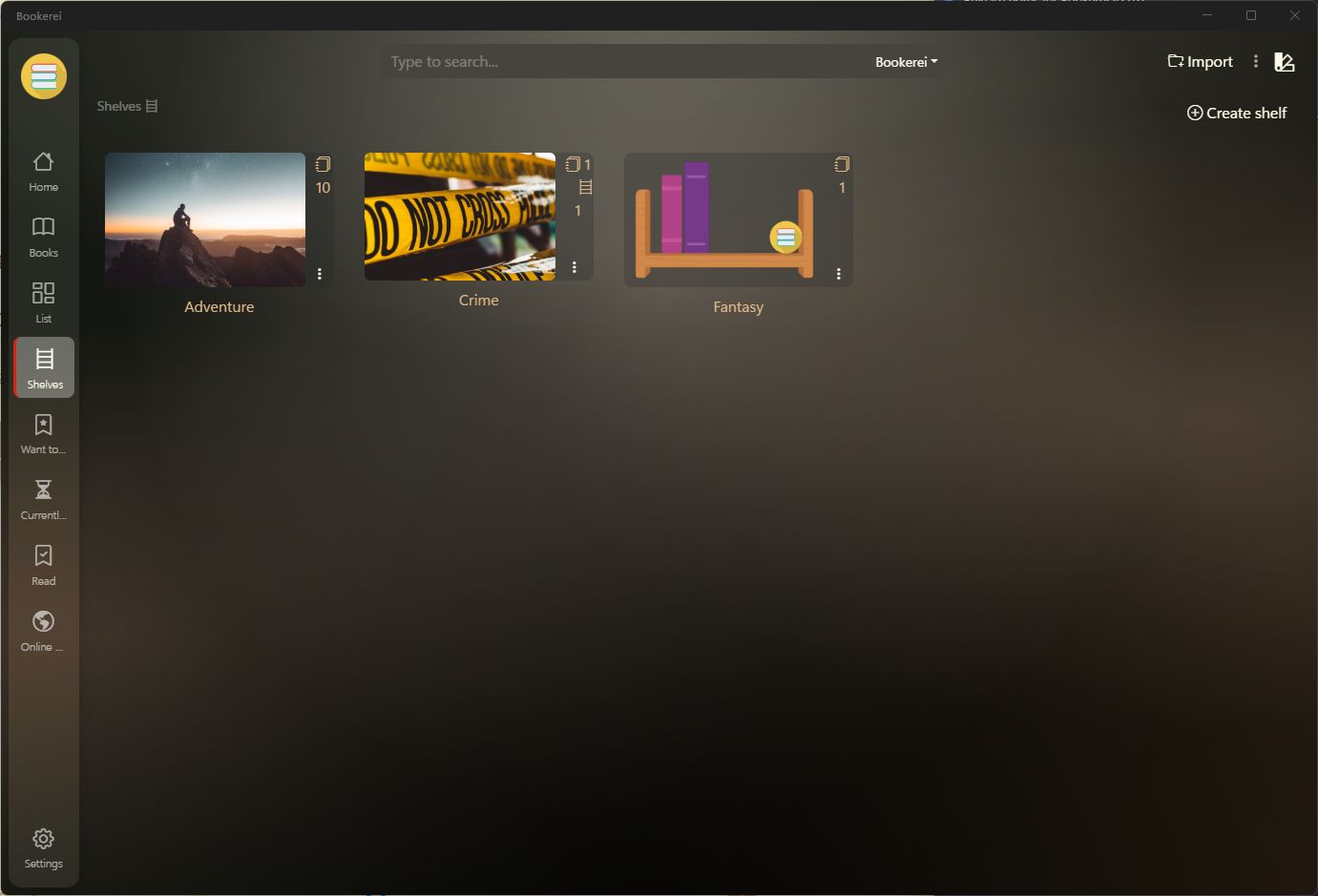
Create shelves for genres, research topics, authors, projects, or current reads, then add shelf images for easier browsing.
Search your ebook library by title, author, series, tags, and descriptions when the collection is too large to remember.
eBook organizer
Folders are fine for storage, but they are not always enough for reading. Bookerei gives you a place to track what a book is, where it belongs, what you noted, and how far you got.
One ebook library across computers
Bookerei does not operate a cloud storage service. To use the same library on multiple computers, keep its local folder inside a location synchronized by OneDrive, Dropbox, iCloud Drive, Google Drive, or another desktop sync provider.
The library remains a normal folder on each computer instead of being moved into a Bookerei account.
The desktop sync service you already use transfers changes between the computers you connect.
Select the synchronized local folder in Bookerei on each computer and let the provider finish before switching machines.
Where it fits
Use Bookerei to read EPUBs, edit book details, browse covers, save notes, highlight passages, and keep progress visible.
Keep PDFs beside EPUBs, use shelves for study or research collections, and search metadata when titles pile up.
Pick Bookerei when you want less conversion tooling and more direct reading, organizing, annotating, and browsing.
Bookerei is designed for people searching for practical ebook management software: a place to organize EPUB and PDF files, browse covers, fix metadata, create shelves, search a personal library, and read without distractions.
It is a desktop app for Windows 10, Windows 11, and macOS. There are no subscriptions or ads. Your library stays in a local folder, which can also be a folder synchronized between computers by a service you choose.
Download Bookerei for Windows or macOSQuestions readers ask
Bookerei is best for readers who want a free, visual, local-first way to organize EPUB and PDF books on Windows or macOS. It focuses on shelves, metadata, covers, search, notes, highlights, and reading progress.
Yes. Bookerei can read and organize EPUB and PDF files in the same library.
No. Bookerei does not upload or host your library. It reads a local folder on your computer. You can choose to place that folder inside a third-party desktop sync service when you want to use it on more than one computer.
Yes. Keep the library in a synchronized folder that is available locally on both computers, wait for your sync provider to finish, and select that local folder in Bookerei on Windows and macOS.
Bookerei can be a simpler Calibre alternative for readers who mainly want reading, shelves, search, notes, highlights, metadata, and a calm interface. Calibre remains a broader tool for advanced conversion and device workflows.