Organize your collection
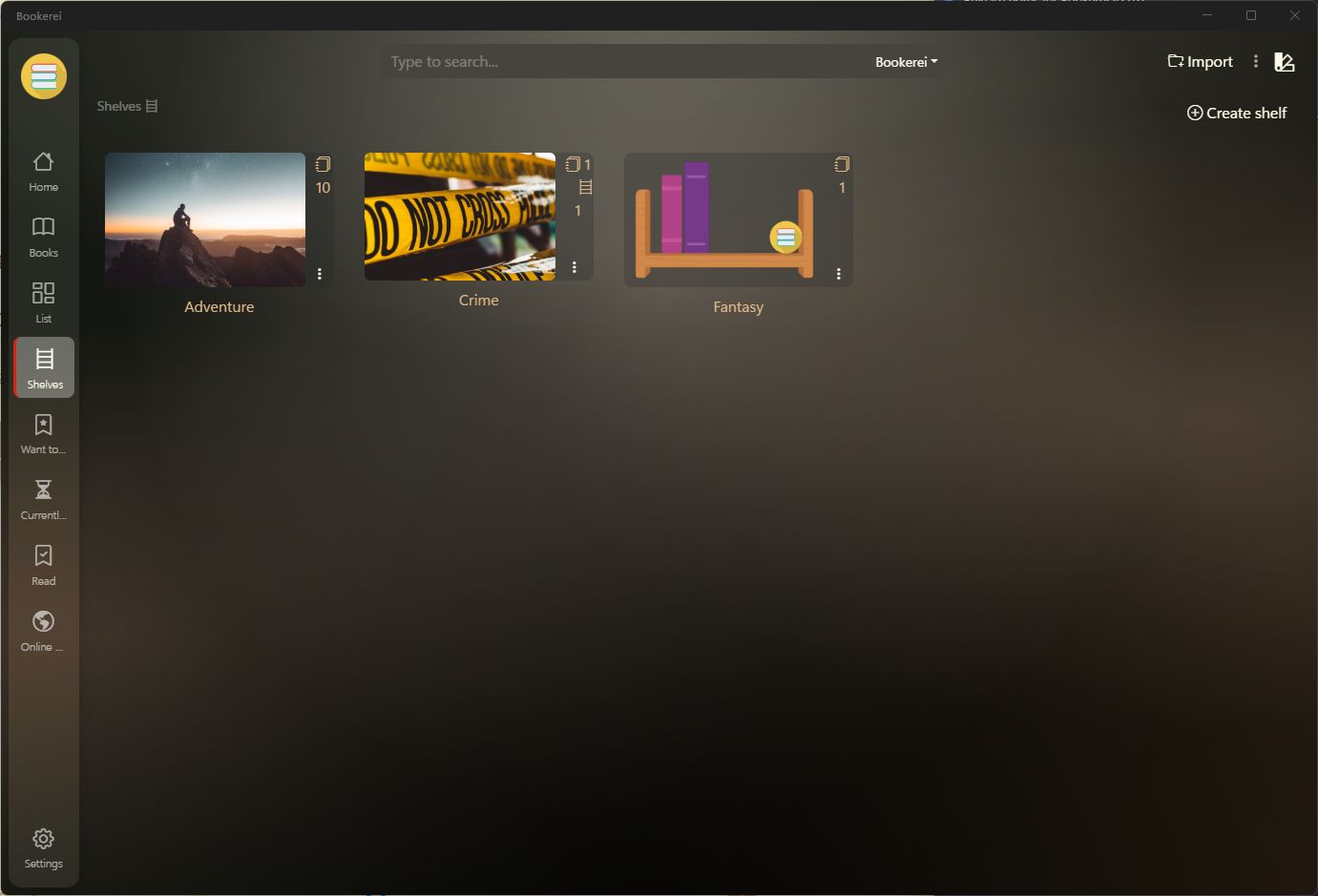
Create custom shelves for favorite books, research material, classics, current reads, or any reading habit you want to keep tidy.
See ebook manager featuresBookerei for Windows and macOS
Turn your ebook files into one searchable library for reading, organizing, and returning to later.
Keep the library in a folder synchronized by OneDrive, Dropbox, iCloud Drive, Google Drive, or another desktop sync service to use it on multiple computers. Bookerei itself does not upload or host your books.
One local library, more than one computer
Bookerei reads and writes a normal library folder on your computer. Put that folder inside OneDrive, Dropbox, iCloud Drive, Google Drive, or another synchronized location, then open the same local folder from Bookerei on each computer.
Designed for book people
Bookerei keeps the practical parts of ebook management - import, search, shelves, metadata, reading progress - wrapped in an interface that still feels like reading belongs there.
Create custom shelves for favorite books, research material, classics, current reads, or any reading habit you want to keep tidy.
See ebook manager featuresSearch titles, authors, and metadata so a growing EPUB and PDF library stays easy to navigate.
Add bookmarks, notes, and colored highlights to keep important passages close without breaking your reading rhythm.
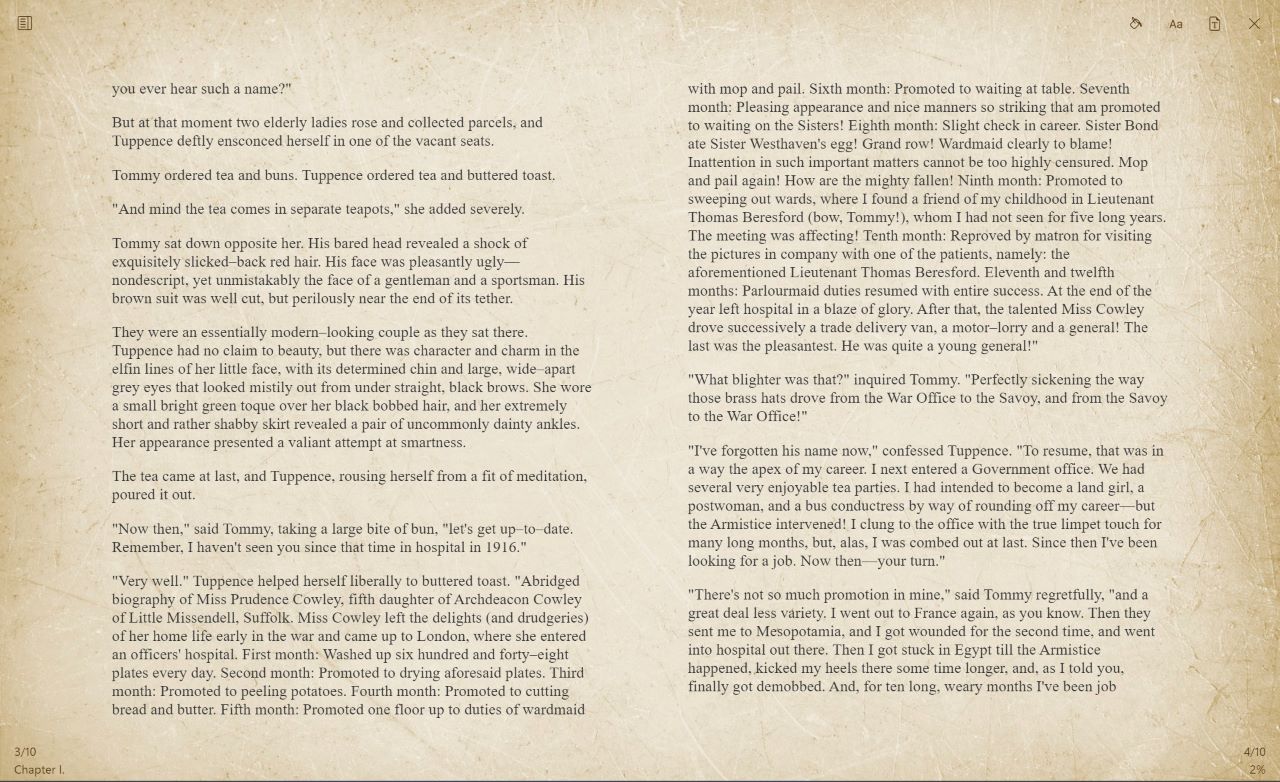
Choose themes, adjust the reading view, and switch layouts so long sessions feel comfortable on your screen.
A reader, not just a file opener
Bookerei is built for people who come back to books over days, weeks, and years. Keep your place, switch page layouts, adjust themes, and turn loose files into something browsable.
See Bookerei in use
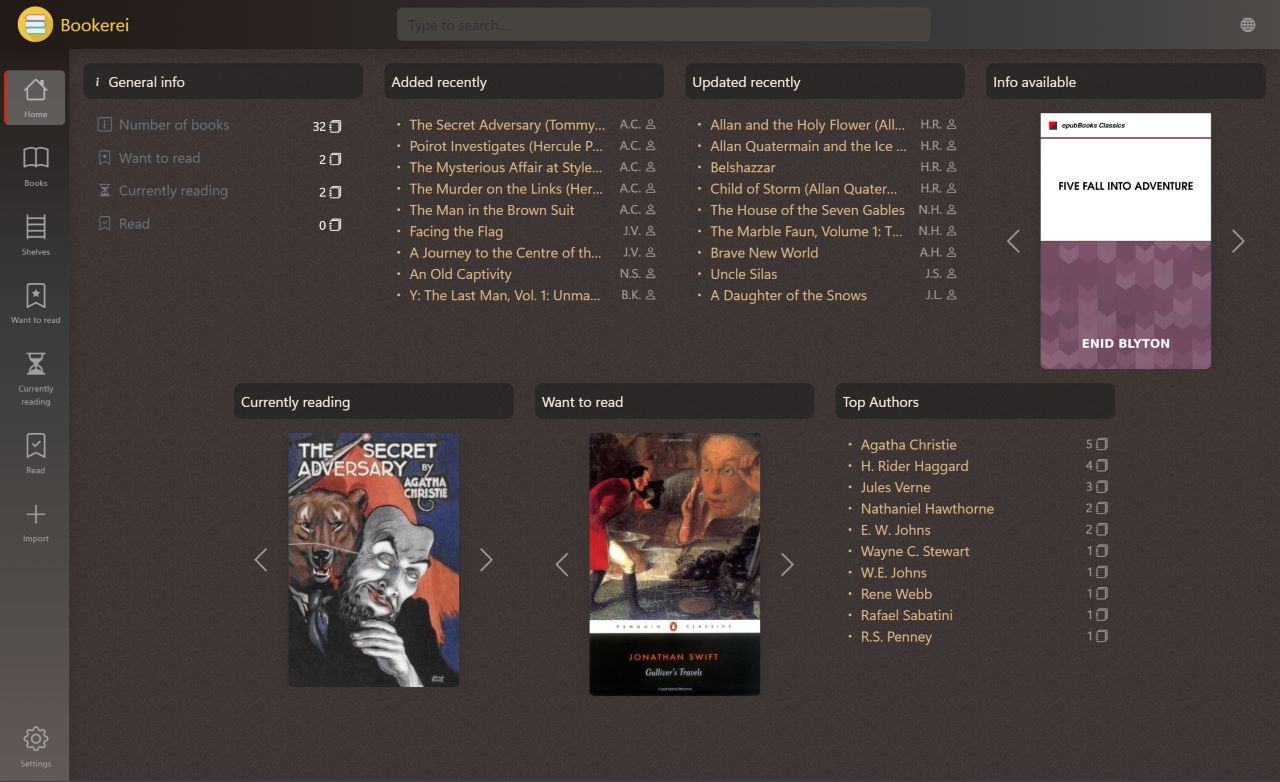
These screenshots show the actual app: book tiles, shelves, search, online discovery, and a reading view made for long sessions.
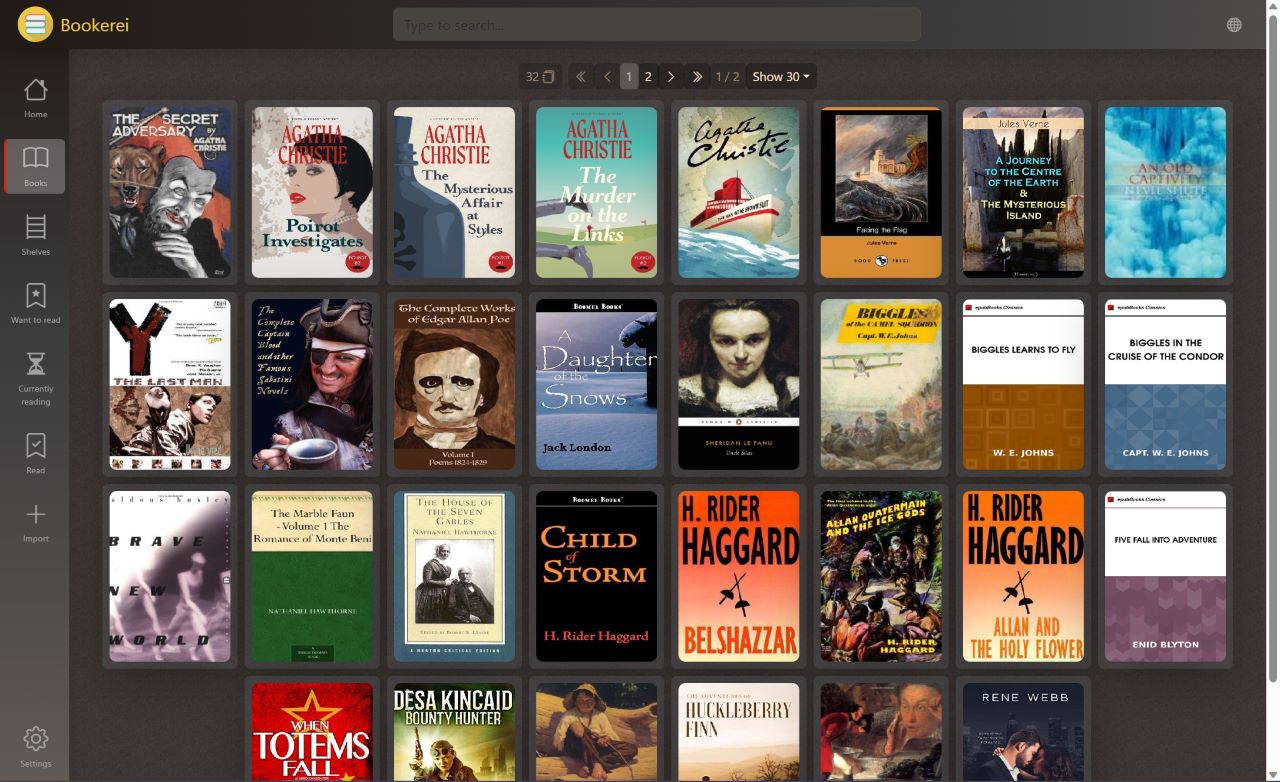
Scan covers, sort your library, and move between tile and list views.
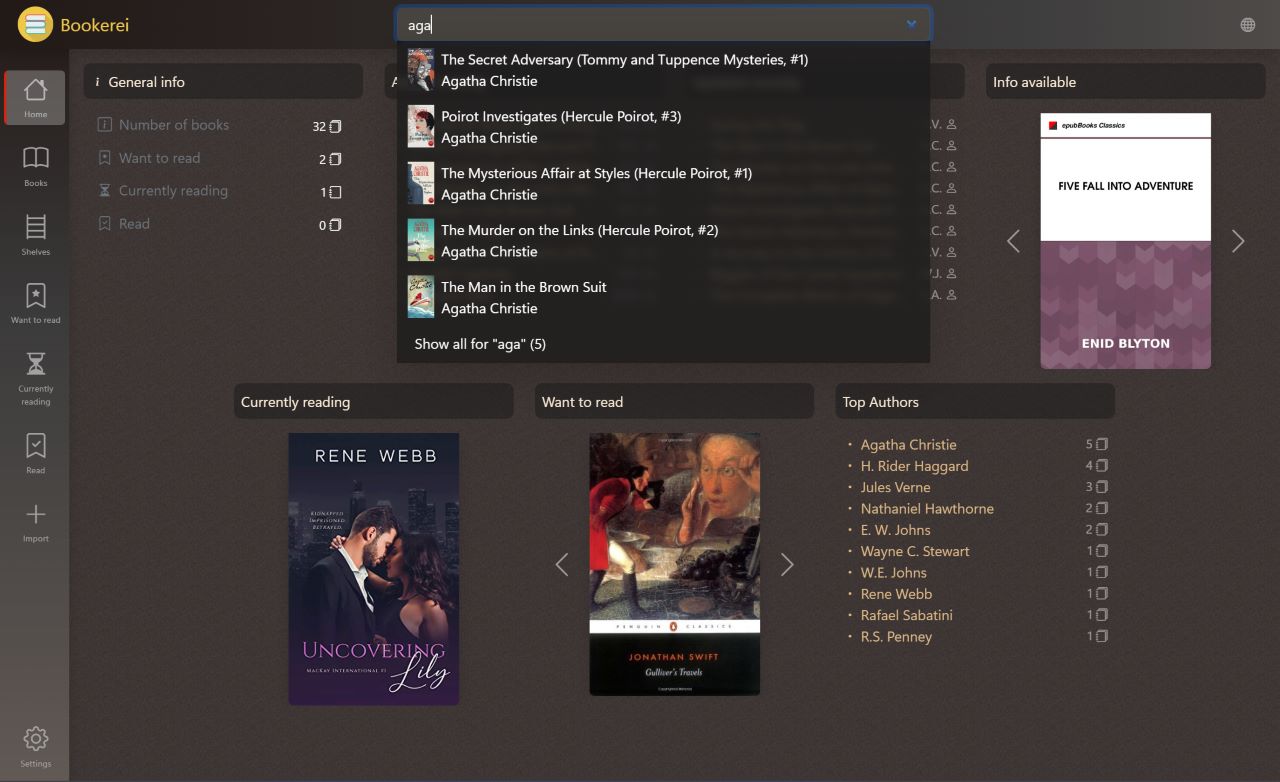
Find the book you meant, even when the library has grown past memory.
Group books by mood, project, genre, author, or anything else that helps you read more.
Useful for many kinds of readers
Keep novels, classics, series, and current reads together without reducing everything to a folder name.
Manage PDFs and EPUBs, keep notes and highlights close, and search across a focused study library.
Browse thousands of books, organize shelves, review metadata, and keep a collection readable as it grows.
Start with the current release
Bookerei is fully free, with no trial, subscription, or ads. Download it for Windows or macOS and turn your EPUB and PDF files into a library that is easier to browse, search, and read.
Bookerei is for readers who want more than a basic ebook viewer, but do not want their reading life buried inside complicated software. It combines an EPUB reader, PDF reader, and ebook organizer in one free desktop app for Windows 10, Windows 11, and macOS.
Use Bookerei to import digital books, browse covers, organize custom shelves, search your ebook library, track reading progress, and keep notes or highlights. It is a practical choice for personal libraries, study collections, public-domain reading, and anyone looking for a simple Calibre alternative focused on reading and organization.
For a library used on more than one computer, choose a locally available folder managed by your existing desktop sync provider. Bookerei remains local-first: it has no account system and does not host your books.
Compare Bookerei with other ebook readersQuestions readers ask
Bookerei is a free ebook reader and library manager for Windows and macOS. It supports EPUB and PDF files and helps readers organize books with shelves, search, notes, bookmarks, highlights, themes, and progress tracking.
Yes. Bookerei is free to download and use, with no subscriptions or ads.
Bookerei supports EPUB and PDF files for reading and ebook library management.
Yes. Bookerei is available for Windows 10, Windows 11, and macOS. The download page includes Microsoft Store, Apple App Store, and GitHub release options.
Choose a local library folder inside OneDrive, Dropbox, iCloud Drive, Google Drive, or another desktop sync service, then open that same synchronized folder in Bookerei on each computer. The sync service copies the folder; Bookerei does not upload or host it.
No. Bookerei does not require a Bookerei account and does not provide cloud storage. Your library remains a folder you control on your computers.